VMPL
New Delhi [India], August 27: You are scrolling, a Reel is genuinely good, and you want it before it disappears into the feed. What you do not want is a tool that asks you to create an account first, or one that wants your Facebook password before it will show you a download button.
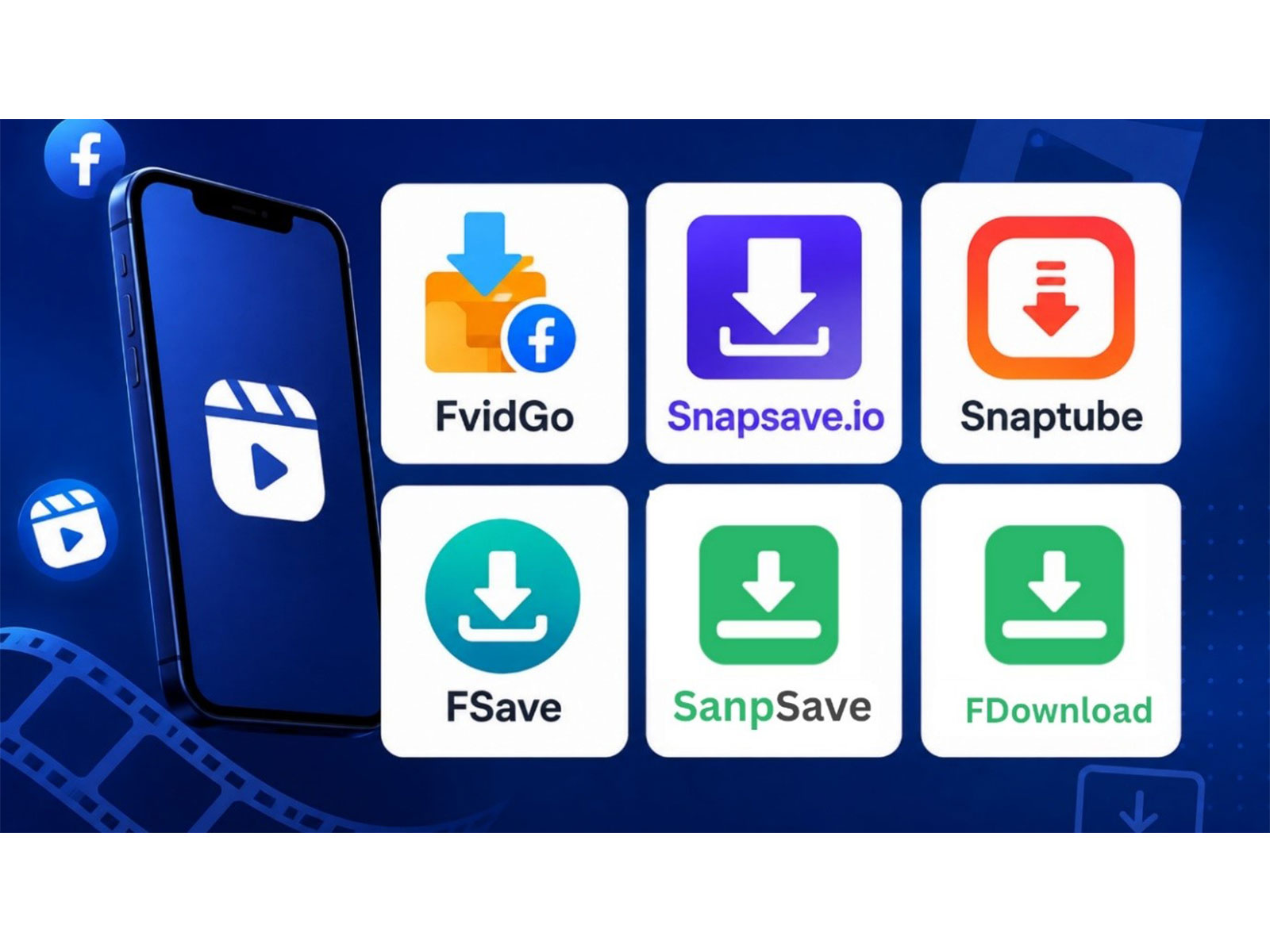
None of the six below need either. Working without an account is the baseline this list is built on rather than a feature worth boasting about, so the ranking comes down to what each one actually does after you paste the link -- what it hands back, and in what shape. FvidGo, a Facebook video downloader, goes first.
1. FvidGo
No login, no registration, nothing to sign up for. Some tools want your Facebook credentials before they will show a download button, which is not something to hand a third-party site under any circumstances; others want an account of their own, which means an email address and marketing mail for the next year. Neither is necessary to save a Reel, and neither happens here: the page opens, the input box is there, and that is the extent of what it wants from you.
Paste a Reel link and the clip appears on the page before you download it. That preview earns its place more often than you would expect -- Reels have no titles, the share menu copies a URL full of numbers, and after ten minutes of scrolling one link looks exactly like another. Seeing the clip means the file you end up with is the one you meant, rather than something you discover was wrong a week later. It is a small thing to ask of a Facebook Reel downloader, and most of them still do not do it.
The output keeps the shape of the original. Reels come down in native 9:16 vertical at HD, full screen with no black bars and no stretching, the audio track intact, and nothing stamped over the picture -- FvidGo adds no watermark of its own. That last part is worth checking on any tool you settle on, because a logo burned into the corner turns a clip you might have resent into one you would rather not.
On a phone the file lands in your gallery by itself. There is no hunting through a downloads folder in a file manager, no wondering whether it saved at all, no copying it across before it will show up in Photos. You paste, you tap, and it is sitting in your camera roll alongside everything else you have saved that week, which is where you will go looking for it anyway. Copy the link from the share menu, open fvidgo.com, paste, download -- that is the whole process, and it does not change between a phone, a tablet and a laptop. The same page doubles as a general Facebook downloader, so an ordinary post from your feed goes through the identical three steps. Facebook private video download works a little differently, since a clip that is only visible to a friends list needs the extra step covered on its own page.
2. SnapSave
Watermark removal on Reels is what SnapSave leads with, and it does it without asking you to register. It supports 1080p, so a clip you strip a watermark from does not come back visibly softer than what you were looking at.
Two things before you make it a habit. The site publishes no company registration details, so there is nobody named behind it, and there are user reports of unexpected charges connected to it.
Pick it when a specific Reel has a watermark you need gone and nothing else will do. Do not pick it as your everyday tool, and if any page on it ever asks for card details, close the tab -- a free download should never reach a payment screen, and that is the point at which to walk away rather than work out whether it is legitimate.
3. Snaptube
Snaptube is an Android app rather than a web page, which is the one real branch point in this list. On an iPhone it is not an option at all, so if that is what you are holding, skip to the next entry. On Android it takes a pasted link with no login and covers 144p all the way up to 4K.
Choose it if Reels are a regular habit and you are also saving from elsewhere -- that quality range is wider than any browser tool here, and it covers over a hundred platforms rather than just Facebook. Skip it if you save a clip every few weeks, because an app you open twice a month is an app that is only taking up space.
4. FSave
FSave has a Reels page of its own, so a vertical clip is not being pushed through a general video parser and hoped for the best. It is free with no download cap, needs no registration, and supports 1080p, so the vertical crop and the resolution both survive the trip.
Use it as a backup when a link fails somewhere else -- the dedicated Reels handling means it often succeeds where a general-purpose parser has trouble. Be more careful about relying on it day to day: it is a smaller name with few independent reviews behind it, which is not evidence of anything bad on its own, only a reason to keep a second option in mind rather than build the habit around it.
5. Snapsave.io
This one keeps Reels and ordinary video on separate entry points, so you tell it what you have rather than leaving it to guess. There are also dedicated pages for turning a Facebook video into MP3 or MP4. It supports 1080p, needs no account, and runs in any browser.
Worth choosing when you are working through a mixed batch -- some Reels, some ordinary posts, one thing you only want the audio from -- because everything is on one site under different entry points. Less useful if all you ever save is Reels, where the separate entry points stop being helpful and turn into one more thing to click through every time.
6. FDownload
The broadest content coverage among the web tools here. Alongside Reels it handles Stories and MP3 extraction, so one page covers most of what you are likely to want from Facebook. It supports 1080p and asks for no registration, and the Stories support is the part worth remembering, since those expire whether you meant to save them or not.
Bookmark it if Reels are only part of what you save and Stories are the other part -- that combination is genuinely uncommon, and it saves keeping two tools straight. If Reels are the whole of what you save, the extra coverage buys you nothing, and you are better served by something built around the vertical format instead.
Which One, Depending on What You Do With Them
If you are saving Reels to watch again yourself, FvidGo's preview step and the file landing straight in your gallery make it the least fiddly option once you are doing this in volume rather than once.
If you plan to reshare them, check for watermarks before you commit to a tool. A stamped clip looks worse everywhere you post it, and by the time you notice, the original may have gone.
And if the audio is what you actually wanted -- a sound, a song, a voice clip you keep hearing -- FDownload and Snapsave.io both handle MP3 on the same page, which saves finding a converter afterwards.
(ADVERTORIAL DISCLAIMER: The above press release has been provided by VMPL. ANI will not be responsible in any way for the content of the same.)
Top 6 Facebook Reels Downloaders You Can Use Without Logging In 2026